How to Put a Link in Your TikTok Bio
TikTok can turn attention into action quickly, but your profile gives you very little room to direct that traffic. If you want viewers to buy, book, subscribe, download, or visit another channel, your TikTok bio link has to do more than point to a single random page. Here is how to add the link, what to check when the option is missing, and how to make that one URL work like a complete creator hub.
Check whether your account can add a clickable link
Open the TikTok mobile app, go to your profile, and tap Edit Profile. If you see a Website or Links field, your account can add a clickable external URL. If you do not see it, the most common reasons are account eligibility, app version, account type, or a temporary TikTok interface change. Business accounts are commonly used by creators and brands that need website-link access, while personal accounts may have more limited link options depending on TikTok eligibility rules in your region.
Add your link from the TikTok mobile app
Once the field is available, tap Edit Profile, open the Website or Links section, paste your URL, and save. Use the full address with https:// at the start. After saving, return to your public profile and tap the link yourself. This quick test catches typos, blocked pages, missing redirects, and links that work in a normal browser but fail inside TikTok in-app browsing.
What to do if the Website field is missing
First update TikTok, close and reopen the app, and confirm you are editing from mobile rather than relying on desktop settings. If the field is still missing, review whether switching to a Business Account makes sense for your creator work. The tradeoff is practical: business accounts can be useful for promotion and website-link workflows, but they may have different commercial music and sound-library limits than personal accounts.
Do not waste your only link on one temporary destination
TikTok gives you a tiny decision window. Someone watches a video, taps your profile, and decides quickly whether the next tap is worth it. If your bio link points to only one product, one signup form, or one old campaign, every other interested viewer has to guess where to go. A better bio link should organize the current next steps from your content: shop, free resource, booking page, newsletter, YouTube, Instagram, course, webinar, or contact option.
Build one TikTok link that can change anytime
The strongest setup is a permanent bio URL that you do not keep replacing in TikTok. Use Cliqs.me as that stable link, then update the page behind it whenever your content changes. Launching a template? Move it to the top. Promoting a webinar? Feature the registration card. Sharing a free checklist? Put the lead magnet first. Your older videos still point to the same TikTok bio link, but the destination stays current.
Turn your TikTok bio into a storefront
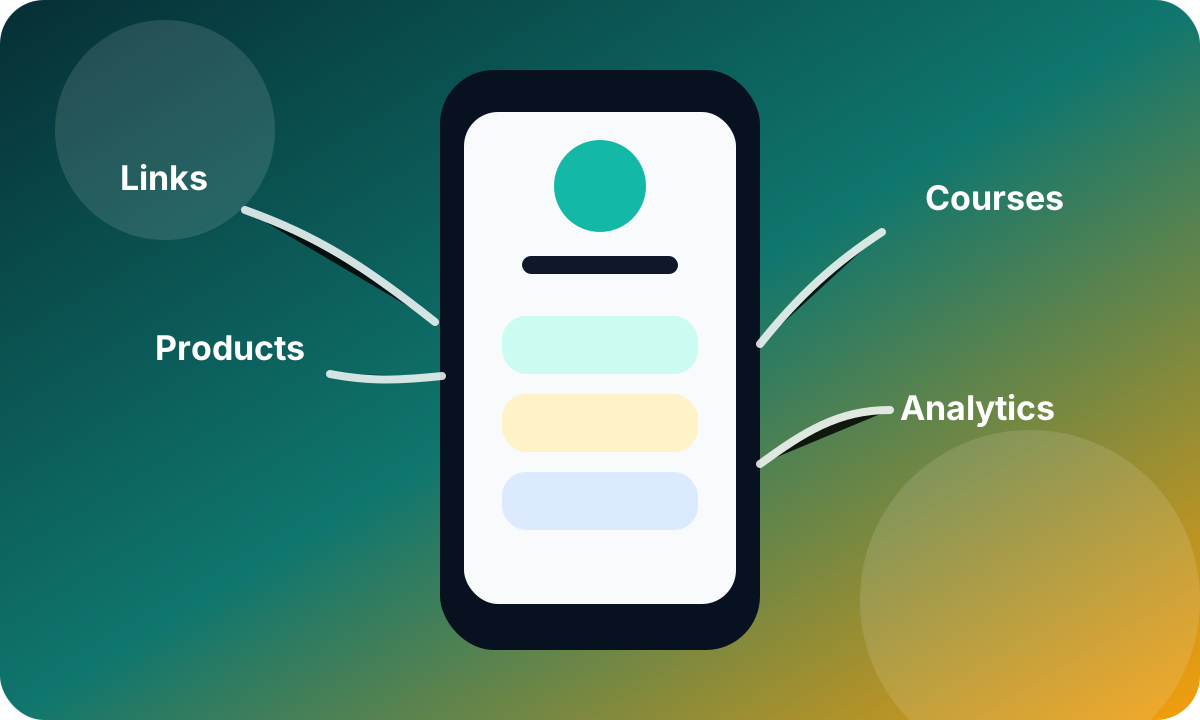
Cliqs.me lets creators combine links, product cards, digital downloads, services, lead capture, social channels, and analytics on one mobile-first page. That matters because TikTok traffic is usually mobile, impatient, and campaign-driven. A storefront-style bio page helps visitors understand what you sell, what is free, what is new, and what they should do next without making them jump between separate tools.
Use a simple launch checklist
Before you announce link in bio, check the page on your phone, put the most relevant offer near the top, remove old links that distract from the current campaign, test checkout or signup flows, and make sure your page title and profile image match your TikTok identity. Then publish a video with a clear call to action and watch which buttons, products, and offers get clicks.
Keep improving after the first week
A TikTok bio link should not be static. Review performance after your first few videos, rename confusing buttons, move high-converting offers higher, archive links that no one taps, and add context around anything that needs explanation. Small changes in order, wording, and offer clarity can turn casual profile visits into subscribers, customers, bookings, and repeat followers.
Use the same system for Instagram
If your audience also finds you on Instagram, keep the strategy consistent: one stable creator link, a focused first screen, and offers that match your current content.
Frequently asked questions
Do I need a business account to add a link to my TikTok bio?
Not always. TikTok link availability can depend on account type, eligibility, region, and current app behavior. If the Website field is missing, many creators use a Business Account to unlock website-link workflows, but you should weigh that against business-account music-library limits.
Why is the Website field not showing in TikTok?
The usual causes are account eligibility, using an outdated app, trying to edit from desktop, regional rollout differences, or not completing the Business Account setup. Update TikTok, edit from mobile, and check your account type first.
Can I add more than one clickable link to my TikTok bio?
TikTok profiles are built around a single website destination. To share multiple destinations, use that one field for a Cliqs.me page that contains your links, products, downloads, bookings, lead magnets, and social channels.
What should my TikTok bio link point to?
Point it to the next step that best matches your content. For most creators, that means a link in bio page or storefront that can feature your current offer while still giving visitors access to your shop, newsletter, services, and social channels.
Build the next step in Cliqs.me
Use your Cliqs.me page to publish the link, product, lead magnet, webinar, service, or course that matches this strategy. Start simple, watch the data, then improve the offer.
Start free