How to Add Multiple Links to Your Instagram Bio
Instagram profile links are valuable because visitors arrive with intent. The goal is not to show every URL you own. The goal is to make the next click obvious.
Use Instagram links carefully
If your account supports multiple external links, add only the links that support the action you want visitors to take now. Too many profile links can make people hesitate, especially on mobile.
Use one link in bio page for the full menu
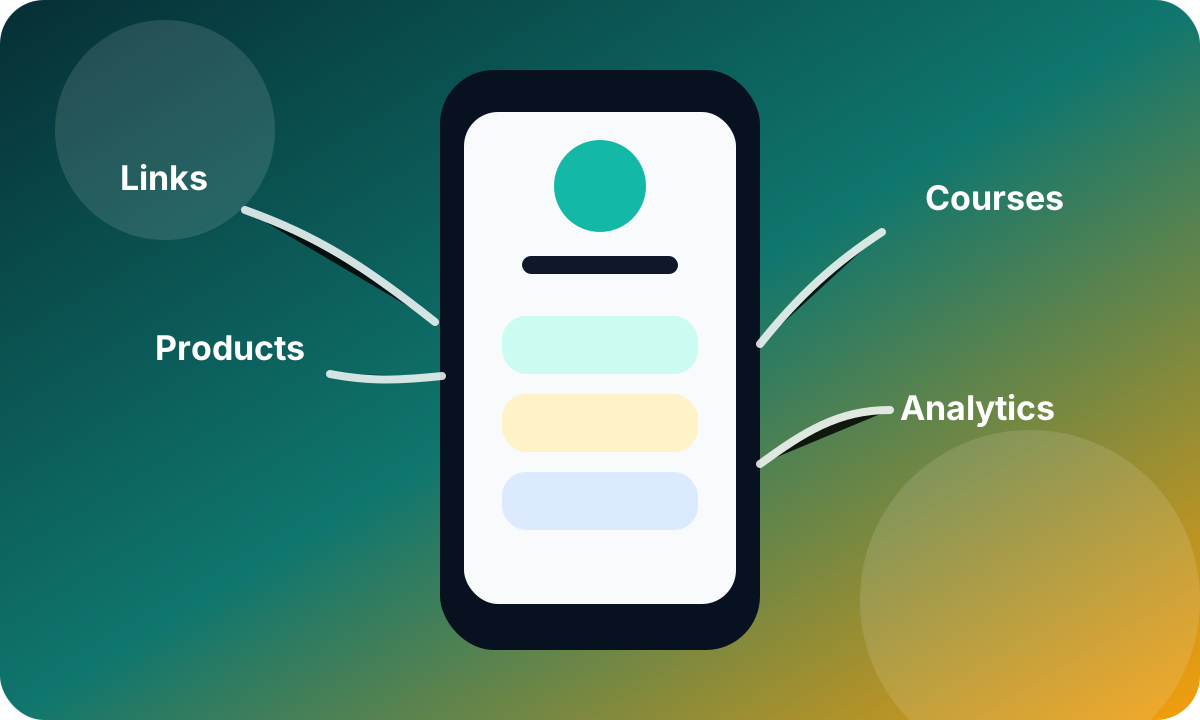
A cleaner setup is to put one Cliqs.me URL in your Instagram bio, then organize the rest behind it. That gives you room for product cards, a free resource, bookings, social links, content, and a short explanation of your offer.
Put the highest-intent action first
Your top button or product should match your current Instagram content. If your Reels mention a guide, show the guide first. If your Stories promote a launch, show the launch first. If your pinned post introduces your services, show booking or contact first.
Group links by visitor goal
Instead of listing links randomly, group them by action: start here, free resources, shop, book, watch, read, and contact. This helps visitors scan quickly and gives your page a stronger chance to turn profile visits into clicks, leads, and sales.
Frequently asked questions
Can Instagram show more than one bio link?
Some accounts can add multiple profile links, but availability and interface labels can vary. A single Cliqs.me link is still useful because it gives visitors a branded page with context, products, lead capture, and analytics.
How many links should I put on a bio link page?
Start with five to eight strong options. Put the most important current offer first, then add supporting links for your store, free resources, bookings, content, and contact.
Build the next step in Cliqs.me
Use your Cliqs.me page to publish the link, product, lead magnet, webinar, service, or course that matches this strategy. Start simple, watch the data, then improve the offer.
Start free