How to Add a Link to Your Instagram Bio in 2026
To add a link to your Instagram bio, open your profile in the Instagram app, tap Edit profile, choose Links or Website, paste your URL, save it, and test the link from your public profile. That is the basic setup.
The part that actually improves results is what you put behind that link. Instagram gives creators a small amount of profile space, so your bio link should send visitors to the next step they are most likely to take: a free resource, product, booking page, newsletter, course, storefront, or social hub.
How to add a link to your Instagram bio
Use the Instagram mobile app for the cleanest setup. Go to your profile, tap Edit profile, open Links or Website, choose Add external link if Instagram shows that option, paste your full URL, add a clear title if prompted, and save. Return to your public profile and tap the link yourself to confirm it opens correctly.
- Open Instagram and go to your profile.
- Tap Edit profile.
- Tap Links, Website, or Add link depending on your account interface.
- Paste your Cliqs.me URL, including https://.
- Add a short title such as Shop, Free Guide, Creator Store, or Start Here.
- Save, then test the link from your public profile.
Use one link for more than one destination
Instagram may let some accounts add more than one profile link, but visitors still need a clear first choice. A Cliqs.me page lets one Instagram bio URL organize your products, free resources, services, booking links, social channels, newsletter, webinars, courses, and digital downloads without sending people through a messy list of unrelated buttons.
Make the first screen match your Instagram content
People tap your profile because a post, Reel, Story, or comment created intent. If the content mentions a free checklist, template, launch, webinar, product, or booking call, that same offer should be near the top of your bio link page. Do not make visitors hunt for the thing you just promised.
What to put in your Instagram bio link page
A strong Instagram bio link page has one primary action, a short explanation of who you help, and only the links that support your current goals. For creators selling online, that usually means a featured product, a free lead magnet, a booking option, a shop section, and a few trust-building destinations.
- Featured offer: your current product, course, webinar, service, template, or launch.
- Lead magnet: a free checklist, guide, training, swipe file, or resource visitors can request.
- Storefront: digital downloads, services, courses, bookings, and paid offers in one place.
- Social proof: testimonials, portfolio links, YouTube videos, case studies, or results.
- Secondary links: newsletter, podcast, YouTube, TikTok, contact form, or media kit.
Why your Instagram bio link may not show
If you cannot find the link field, update Instagram, switch to the mobile app, check whether you are editing the correct account, and look for Links instead of Website. Instagram changes profile settings over time, so the label can vary by account type and region. If a saved link disappears or does not open, test the full URL in a browser, remove tracking characters temporarily, and confirm the page is not blocked by privacy or login requirements.
Turn the bio link into a storefront
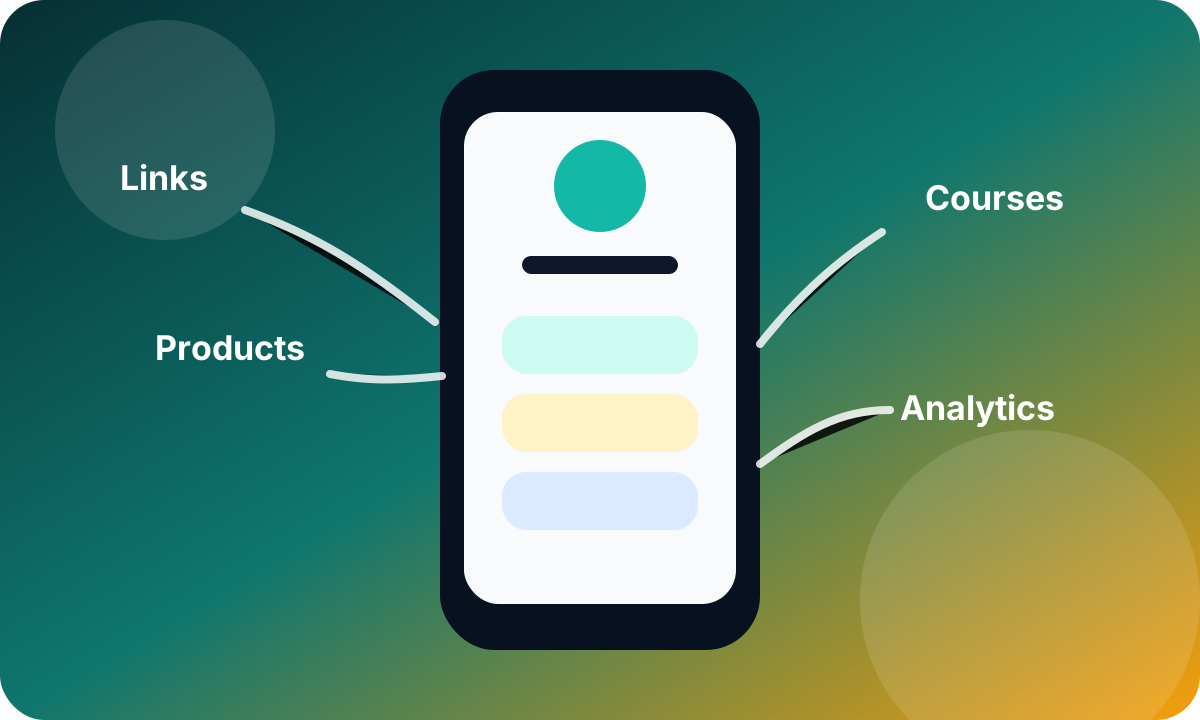
The best Instagram bio link is not just a directory. It should help visitors take action while their interest is fresh. Cliqs.me turns one profile link into a mobile storefront for links, digital products, lead capture, services, courses, bookings, social profiles, and analytics. You can keep the same Instagram URL while updating the page behind it for each campaign.
Improve clicks after the link is live
After a week, review which buttons, products, and forms get attention. Move high-performing items higher, rename vague buttons, remove stale links, add context to offers that need explanation, and keep the first screen focused. A bio link page should change as your Instagram content and creator business change.
Related Instagram bio link guides
Use these supporting guides when you need a more specific setup or troubleshooting path.
Instagram bio link FAQ
How do I add a link to my Instagram bio?
Open Instagram, go to your profile, tap Edit profile, choose Links or Website, paste your full URL, save it, and test it from your public profile.
Can I add multiple links to my Instagram bio?
Some Instagram accounts can add multiple external links, but a link in bio page is still cleaner for creators because it organizes products, resources, bookings, social links, and lead magnets behind one memorable URL.
Why can I not add a link to my Instagram bio?
The link setting may be under Links instead of Website, the app may need updating, or you may be editing from the wrong interface. Use the mobile app, update Instagram, and test with the full https:// URL.
What should my Instagram bio link point to?
Point it to the next step that matches your content. For most creators, that means a Cliqs.me page with a featured offer, product cards, free resource, booking option, social links, and analytics.
Is a link in bio page better than linking directly to a website?
For social traffic, usually yes. A link in bio page is built for quick mobile decisions and can route visitors to the most relevant offer, while a full website can be harder to navigate from a profile tap.
Build the next step in Cliqs.me
Use your Cliqs.me page to publish the link, product, lead magnet, webinar, service, or course that matches this strategy. Start simple, watch the data, then improve the offer.
Start free