How to Turn Your Bio Link Into a Creator Store
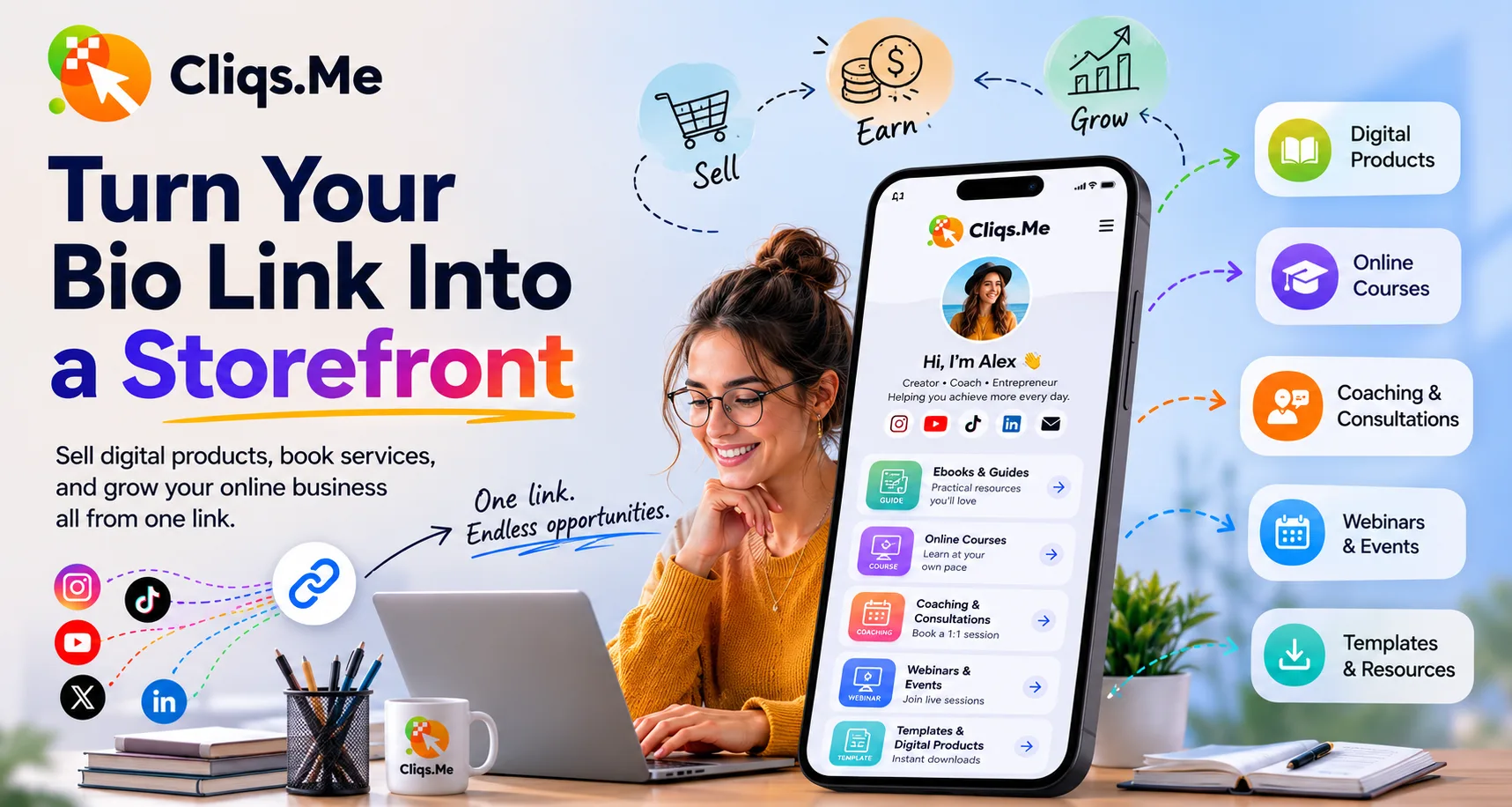
Your social bio gets some of the highest-intent traffic in your creator business. A follower who taps that link is actively looking for the next step. Cliqs.me helps you use that attention for links, products, bookings, lead capture, and checkout from one profile.
Put your highest-value action first
Lead with the action that matters most right now: a paid product, a free lead magnet, a call booking, a webinar, or a course. Supporting links can sit below it, but the top of the page should make the next step obvious.
Group offers by visitor intent
Use sections to separate free resources, paid products, services, and content. This keeps the page scannable and helps visitors choose the path that matches their intent.
Keep sales close to discovery
When your product card, checkout, and profile live together, visitors do not have to jump through a long chain of tools. Fewer handoffs usually means a clearer buying experience.
Build the next step in Cliqs.me
Use your Cliqs.me page to publish the link, product, lead magnet, webinar, service, or course that matches this strategy. Start simple, watch the data, then improve the offer.
Start free